
Experience the AIBASE Live Demo Environment
Explore live cameras, test the mobile app or VMS platforms, and use the demo environment for the full AIBASE security experience.
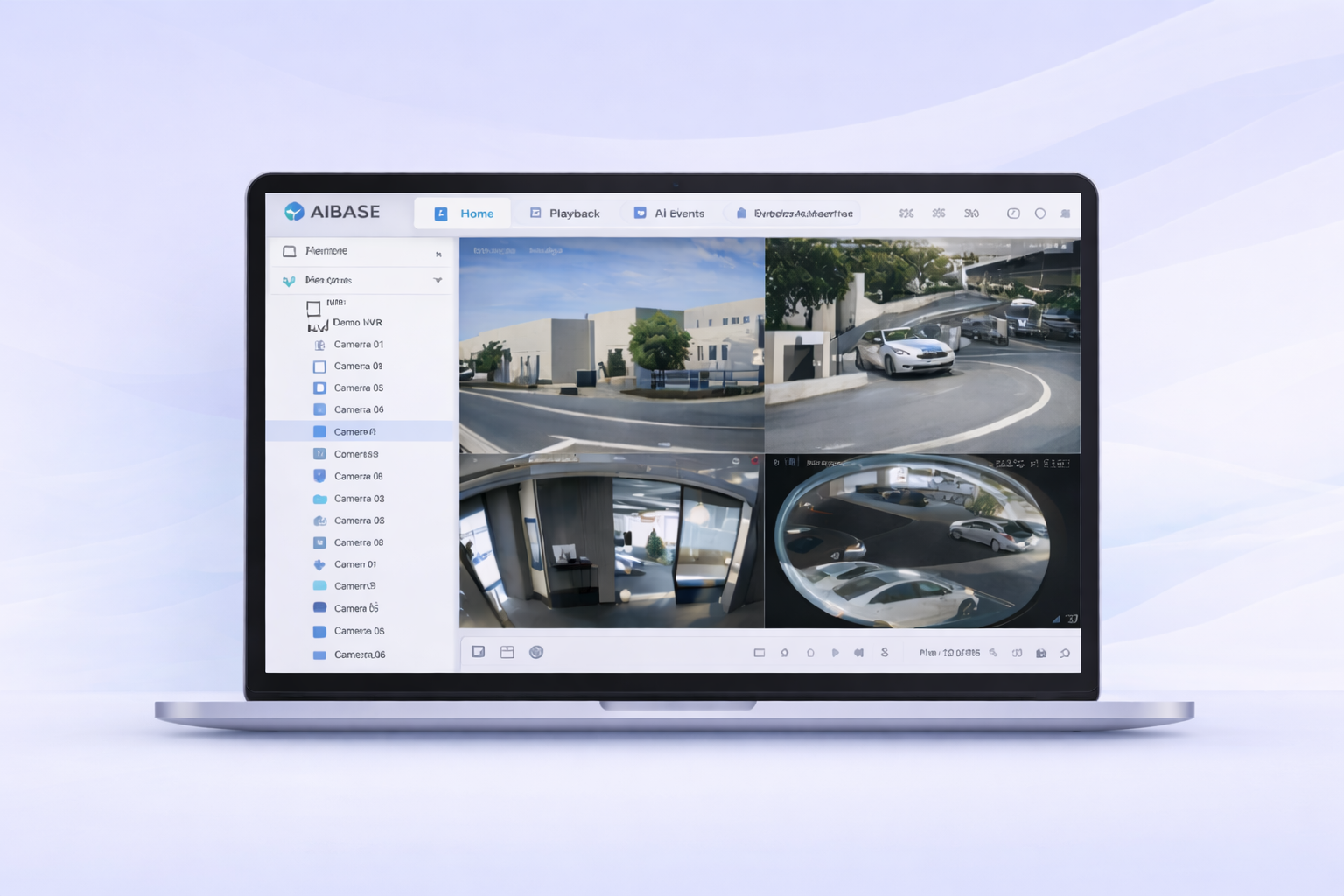
Username: ametademo
Password: demo2025
Web VMS Live Demo
Web browser-based VMS to manage cameras, live view, playback, AI events, and shared access. Accessible from any browser with no downloads or plug-ins required.
In the search bar of any browser, enter vms.aicolorcloud.com.
Explore live view, playback, AI events, statistics, health check, shared access, and more.
Take me to the Web Portal ↗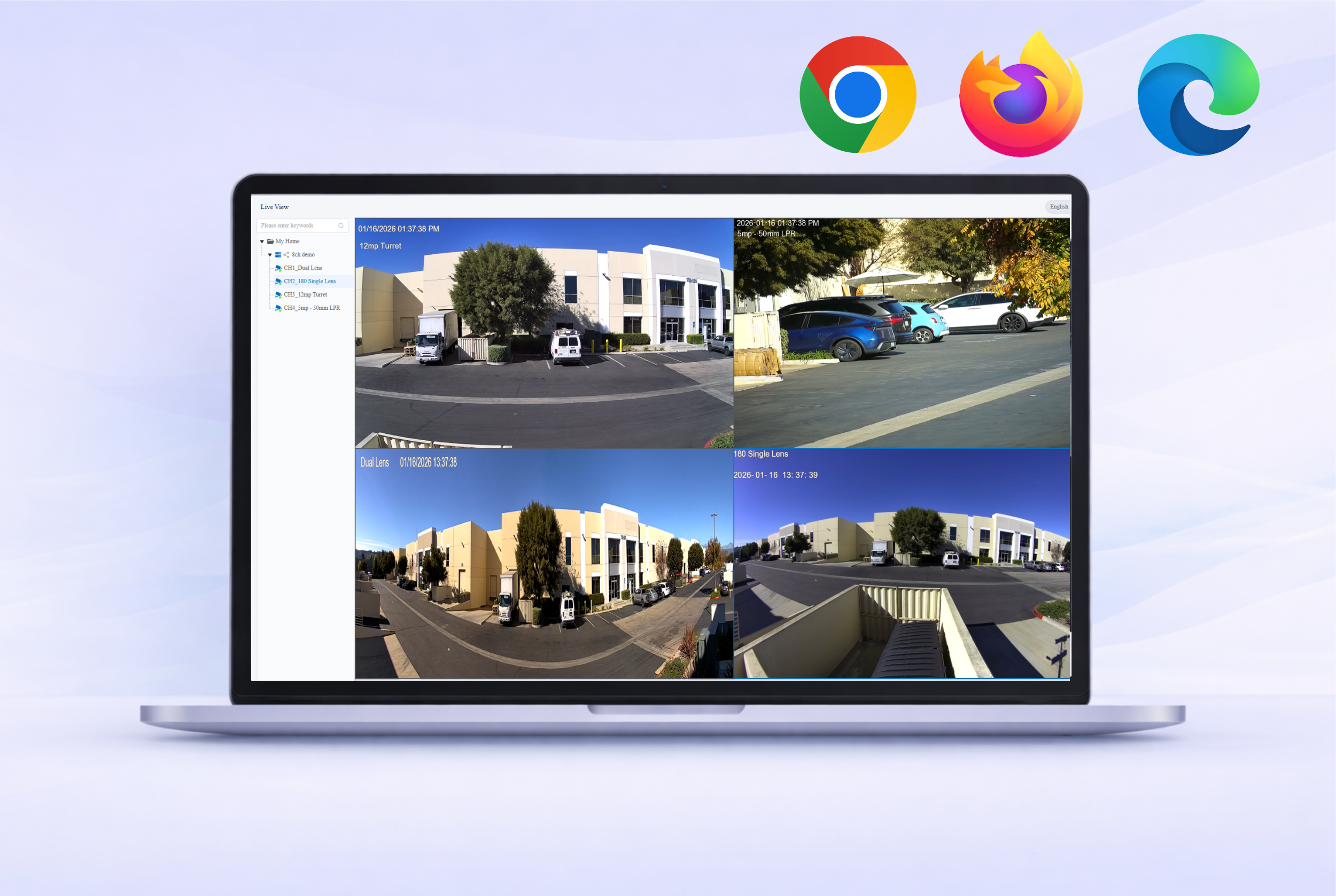
Mobile App Live Demo
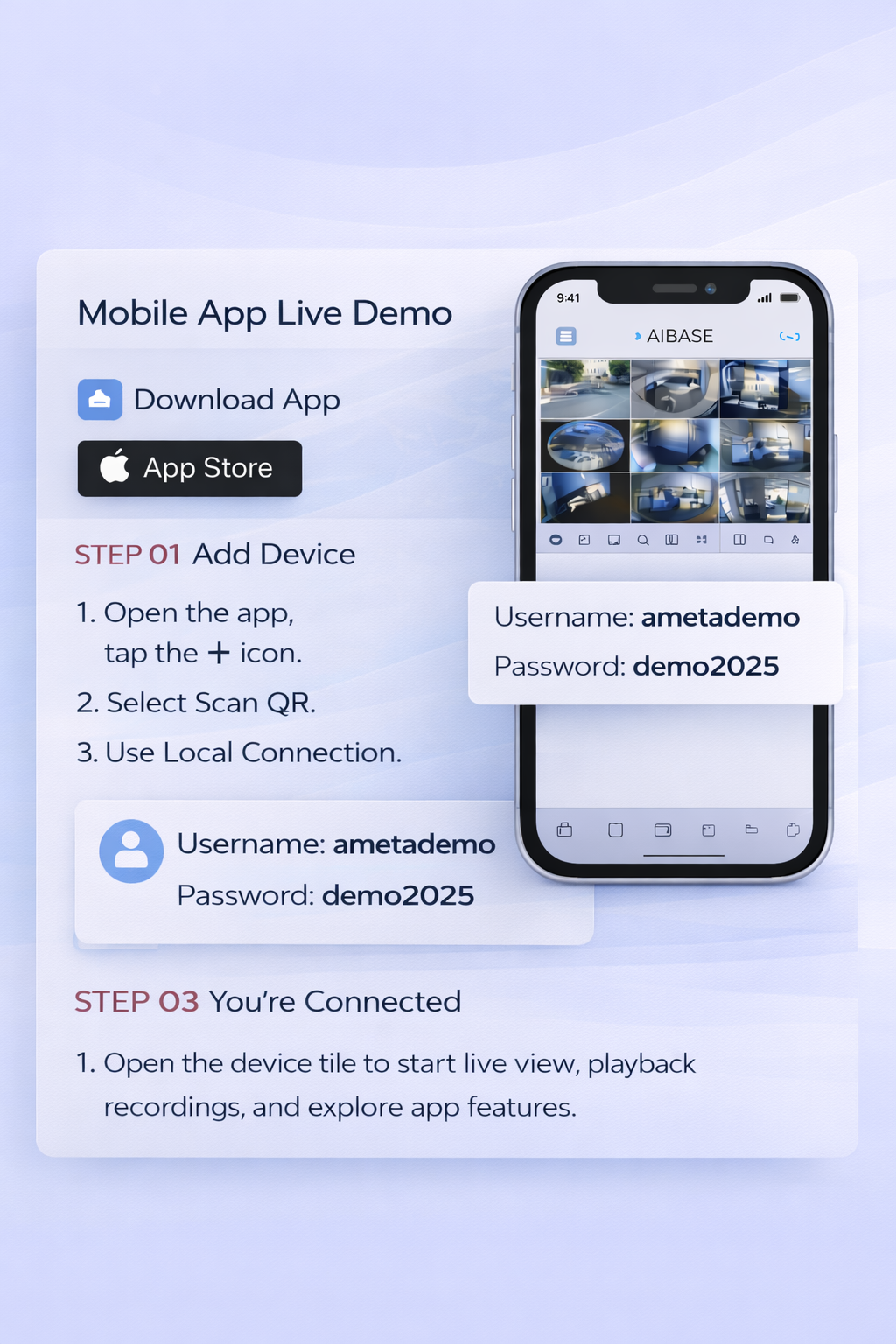
Use the AI Color Pro mobile app to access live view, playback, alerts, and push notifications.
Download the AI Color Pro mobile app.

- Open the app and tap the + icon.
- Select Scan QR and select Local Connection.
- Scan the QR code below.
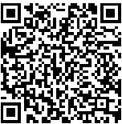
Open the device tile to start live view, playback recordings, and explore app features.
Desktop VMS Live Demo
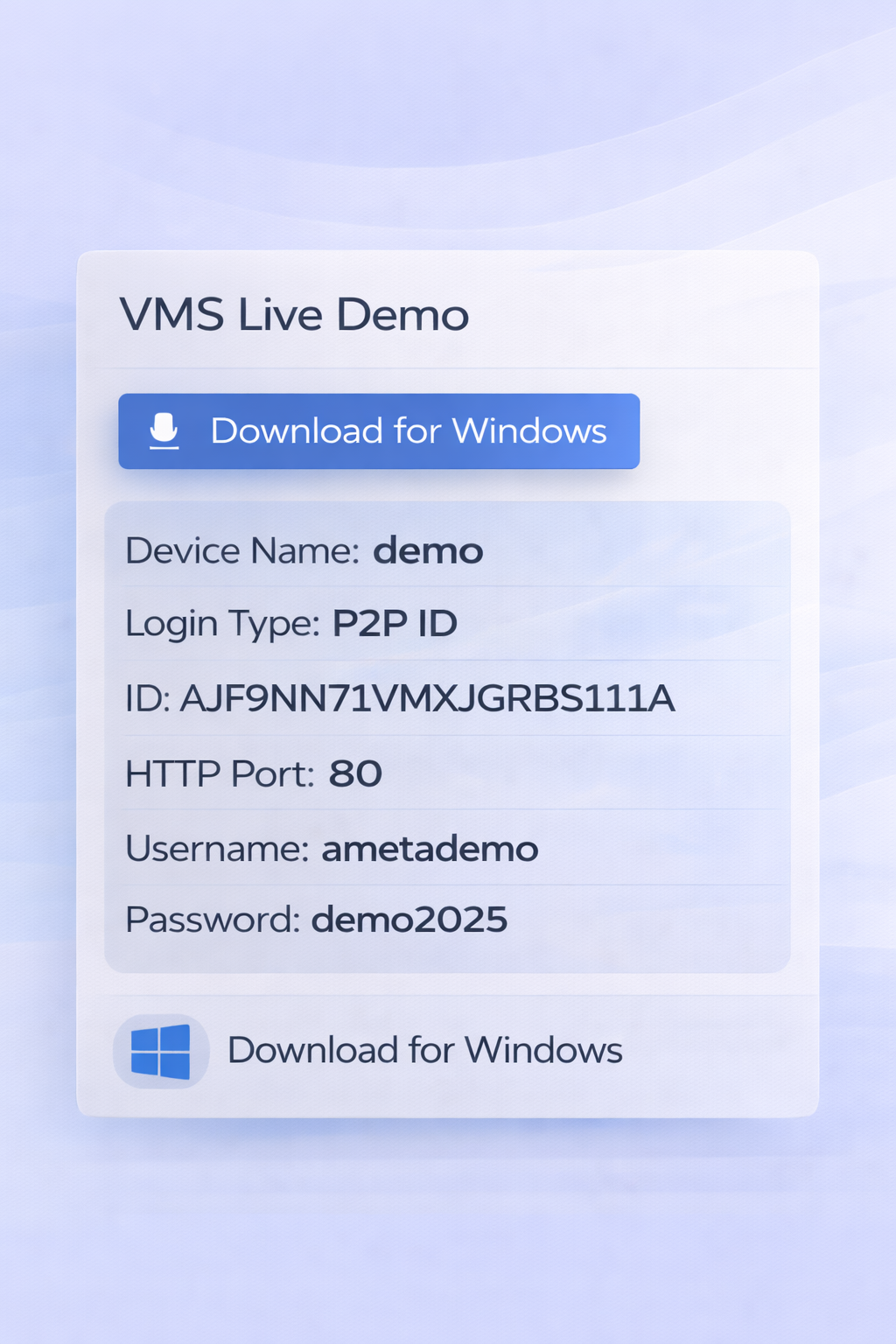
Use AI Color VMS on your desktop to manage cameras, configure AI events, and control the NVR remotely.
Download and install the AI Color VMS software for Windows. Mac OS version coming soon.
Download for WindowsOpen Device Management, click the + button on the top-right, then add the device using Normal Mode.
Go to the Main View tab to see the live view grid and manage all your cameras.
Ready to Work with Ameta and Grow Your Business?
Become a channel partner and access partner pricing, more sales tools, training, and support.
Become a Partner